Filter, Sort By & More Options Description
Filter Fields Description
Sort By Lists Description
More Options Description
- Print Option
- Generate PDF
Filter Fields Description:
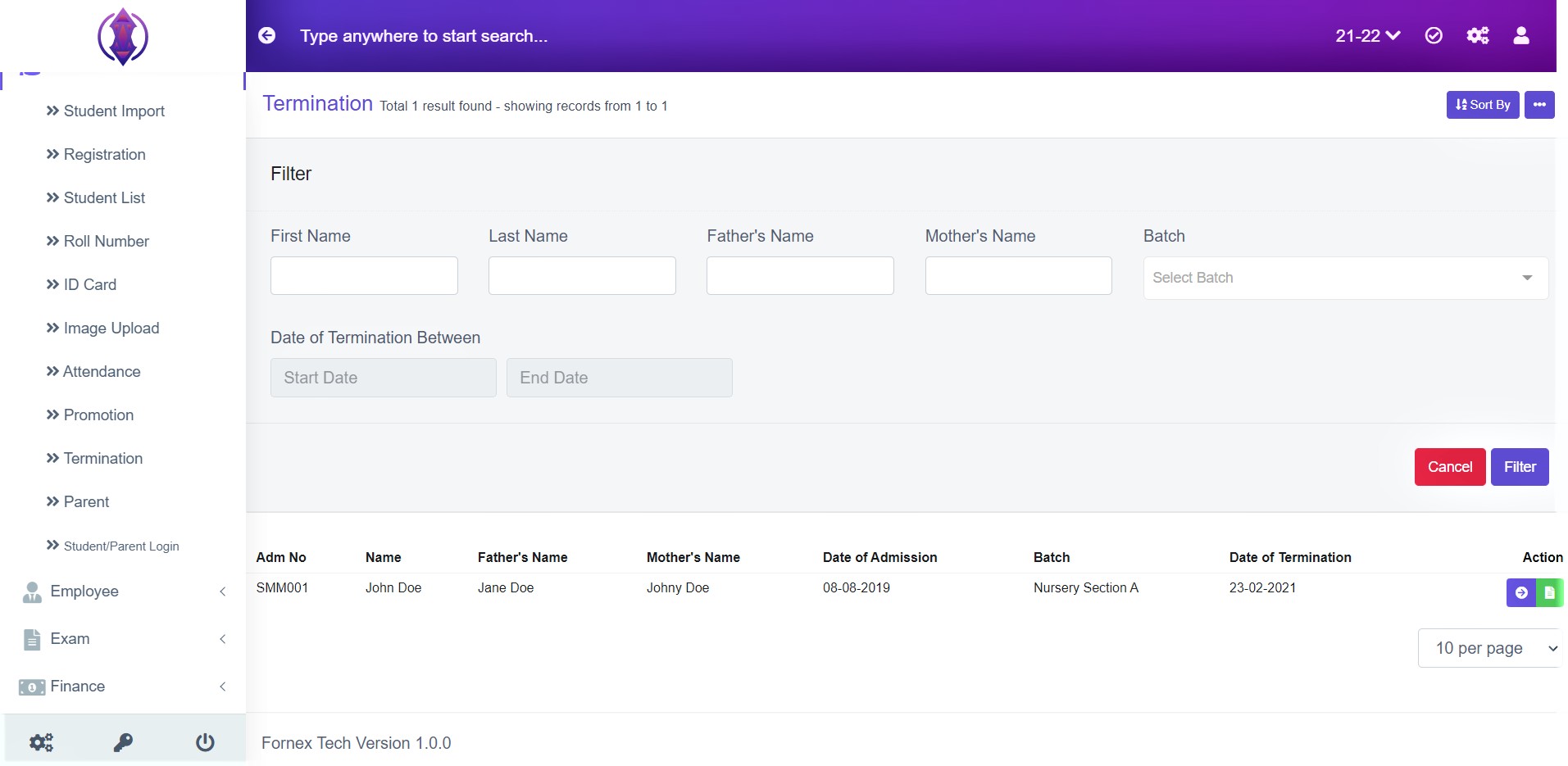
Figure 1
Filter the Terminated Students by- First Name, Last Name, Fathers Name, Mothers Name, Batch and Date of Termination Between.
Select any field you want to filter the terminated students from, and click ‘Filter’, and the terminated student matching that filter field will be displayed in the table list view below the filter screen. Refer figure :1
Sort By
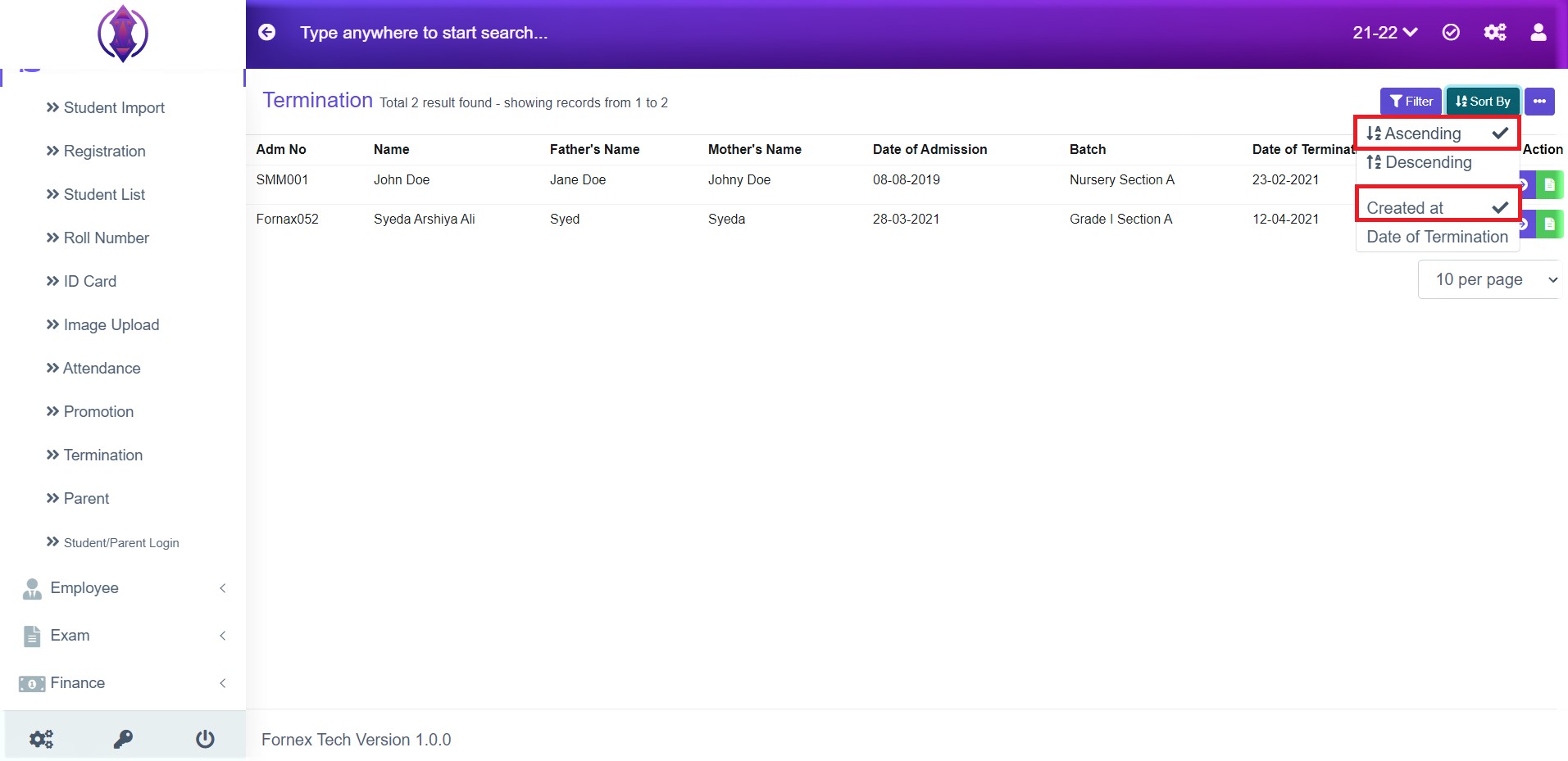
Figure 2
Ascending & Created at: Selected Ascending & Created at, it will list. Terminated students, which was created oldest to newly added, created date in order. Refer figure: 2.
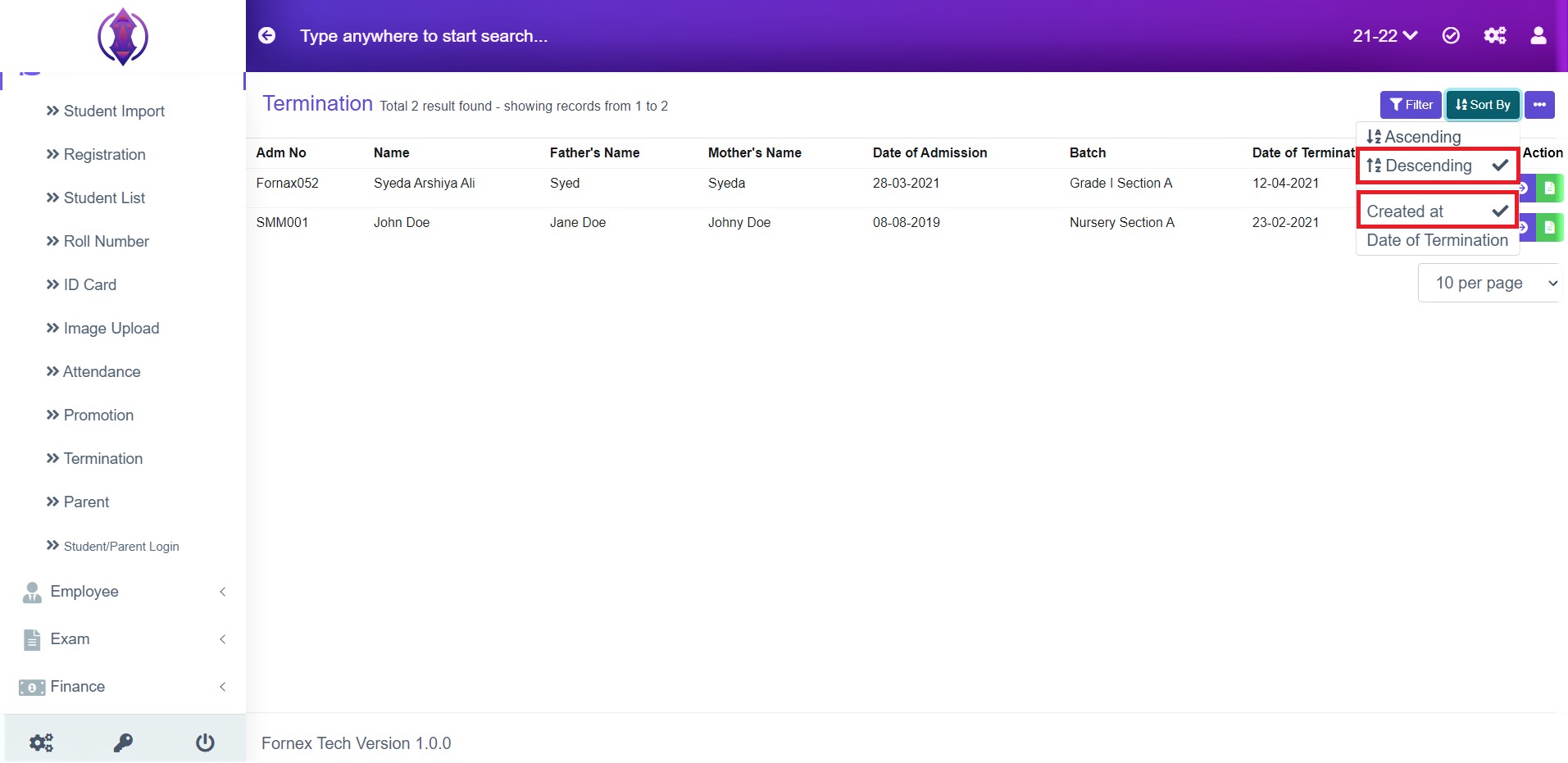
Figure 3
Descending & Created at: Selected Descending & Created at, it will list. Terminated students, which was created recently to the oldest added created date in order. Refer Figure: 3.
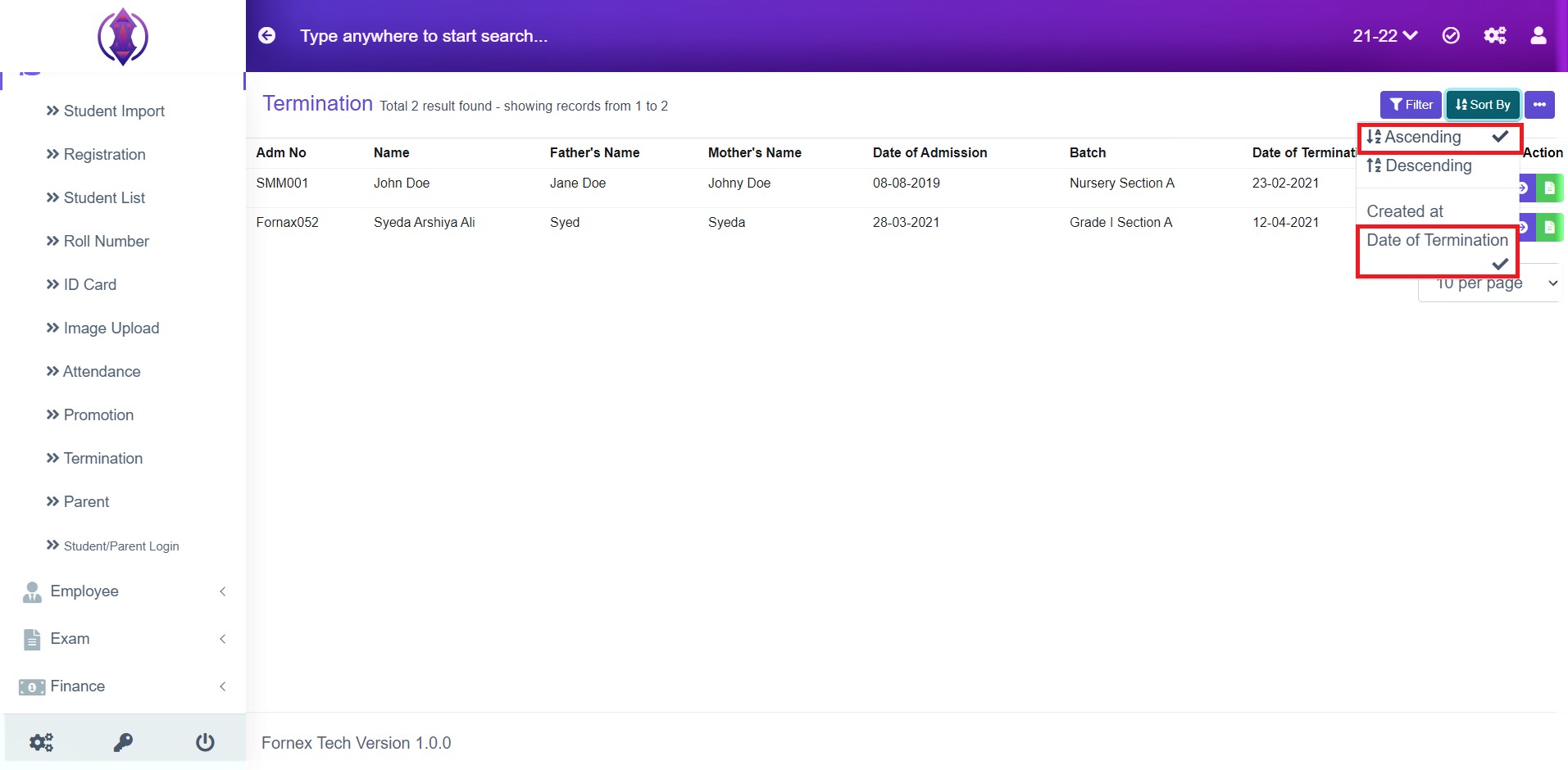
Figure 4
Ascending & Start Date: Selected Ascending and Date of Termination it will list, passed, present and far dates of Terminated students in order. Refer figure: 4.
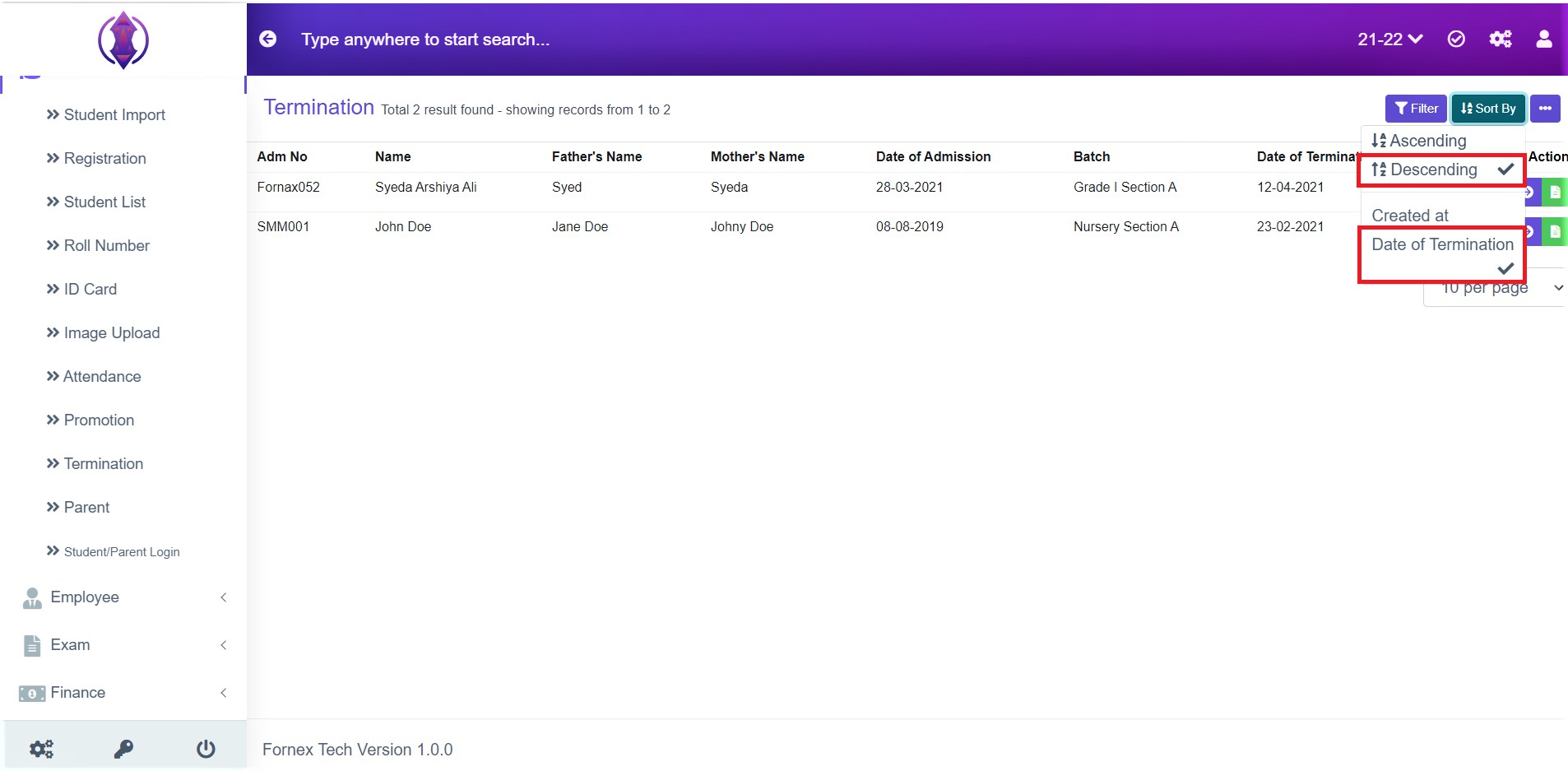
Figure 5
Descending & Start Date: Selected Descending and Date of Termination it will list, passed, present and far dates of Terminated students in order. Refer figure:5 .
More options Description
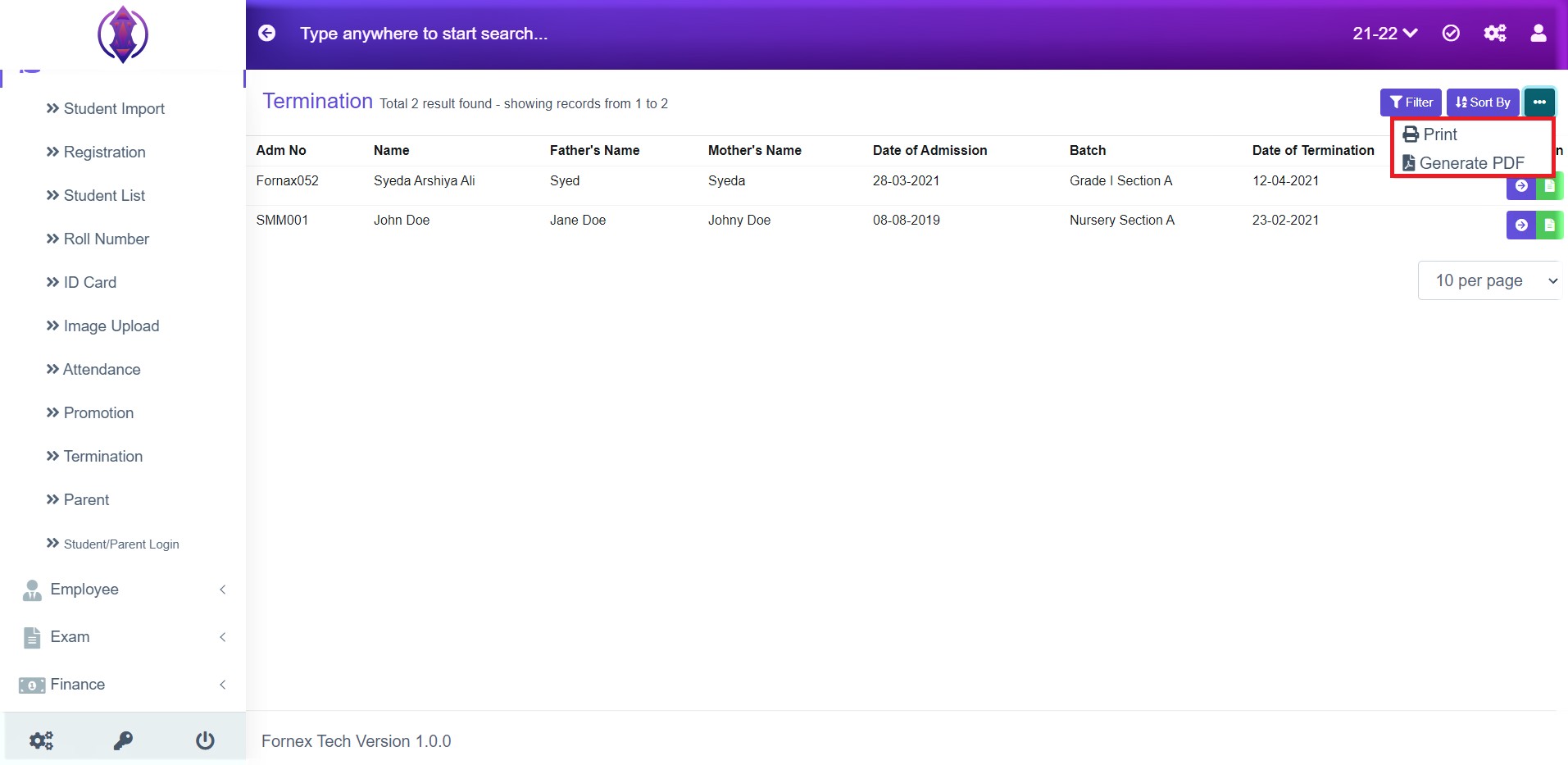
Figure 6
Print Option:
This will Open a new tab and the table view data format, to Print, see figure:6 .

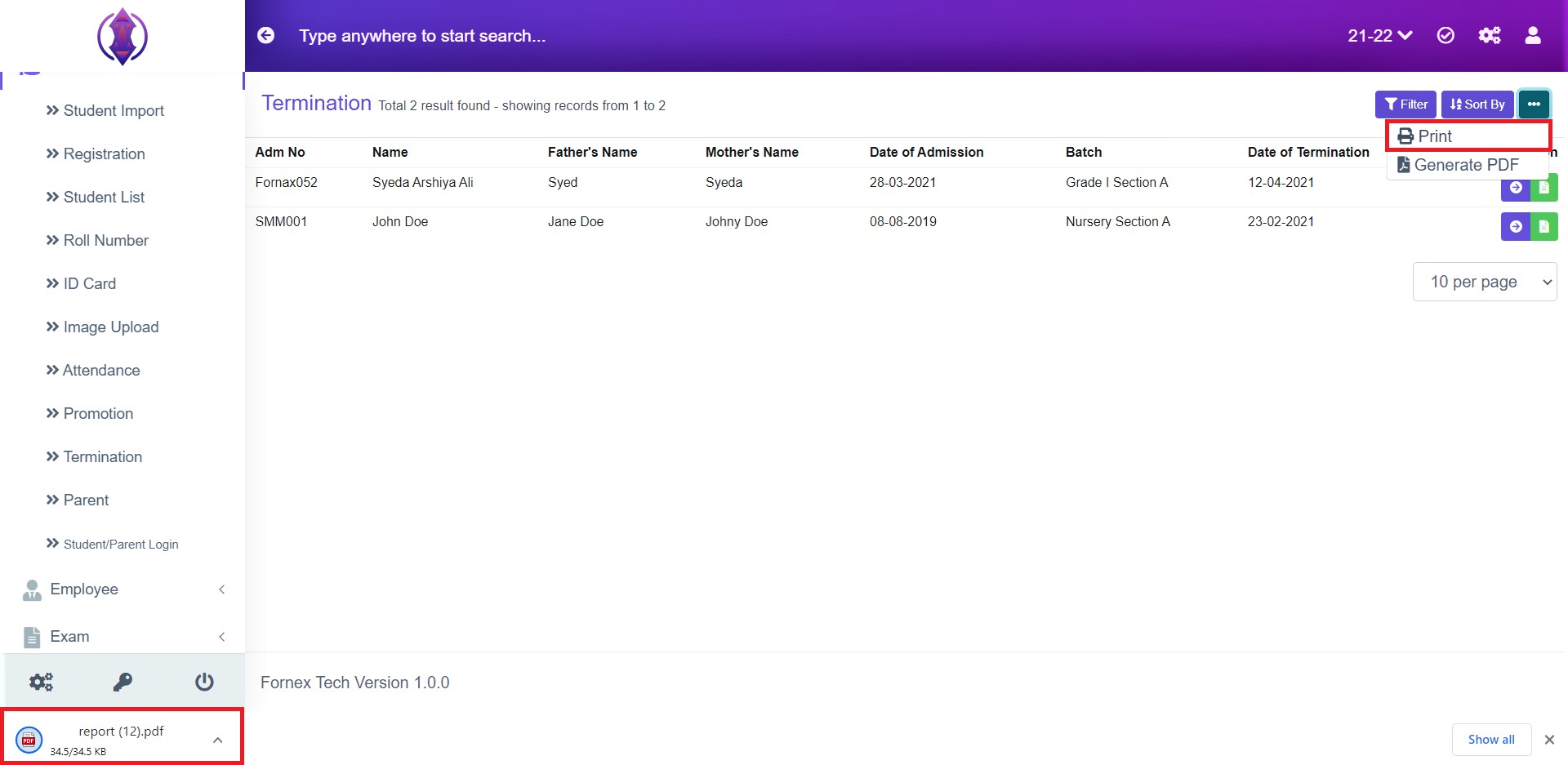
Figure 7
Generate PDF/Excel
This will download a pdf file on your desktop. See figure 7