Parent
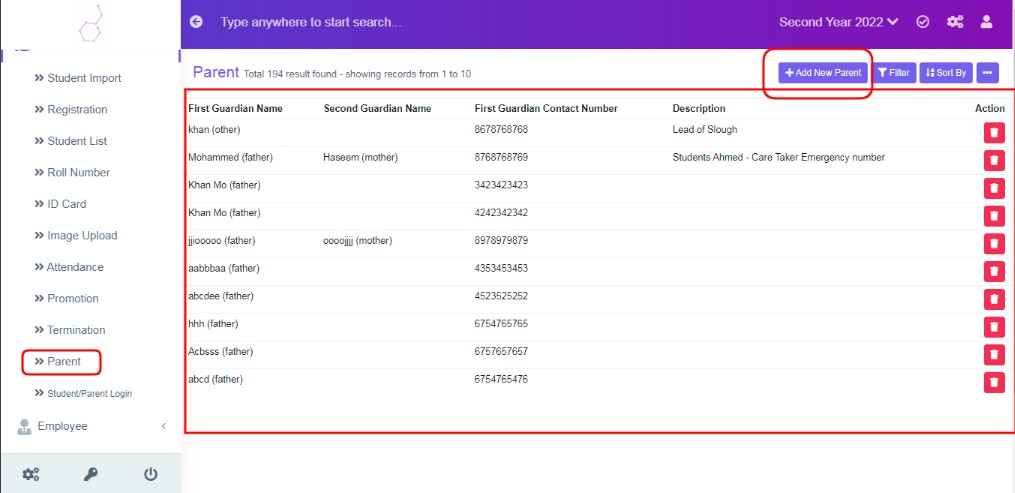
Figure 1
Parent Tab can be used to add emergency details of any person, or any lead appointer, marketer of the school etc.
To Add New Parent Details
Click ‘Add New Parents’ and enter the data in respective form fields.
Form Fields Description
First Guardian Name: Enter Name of the Person.
Second Guardian Name: Enter Name of the Person. Optional.
First Guardian Contact Number: Enter contact Number.
Description: Enter the description, if want to recollect the person information as required.
Use filter, Sort By and Print & PDF as needed.