Sort By & More Options Description
Ascending, Descending & Name: Selected Ascending & Name, it will list, name of class timings, in A to Z, alphabetical order. Selected Descending & Name, it will list, name of class timings, in Z to A, alphabetical order.
More options Description
The three dots tab contains three options, Show Class Timings Session, Print and Generate PDF.
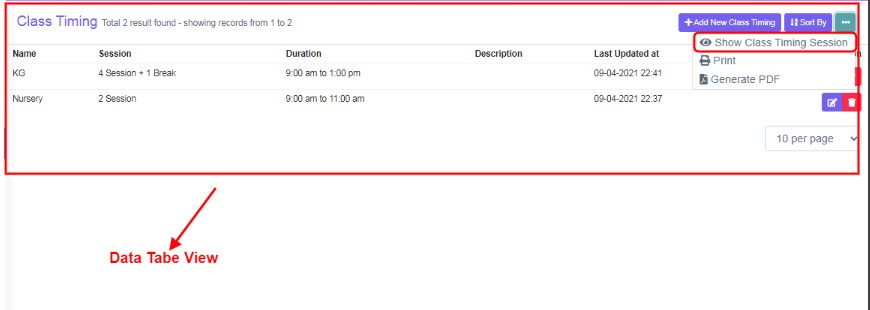
Figure 5
Figure 6Show Class Timing Session:
Click on Show Class Timing Session will display, all the added sessions and their timings in data table view. Click on Hide Class timing session to hide the details. Refer figure:5&6.
Print & Generate PDF:
Use, Sort By List , Show Class Timings Session or user default data of table, to view and Print or Generate PDF, data table, according to your requirements.