Fee Payment Report
This tab helps to find, student's fee payment details including amount, date, account & payment method and Print it receipts or Send SMS.
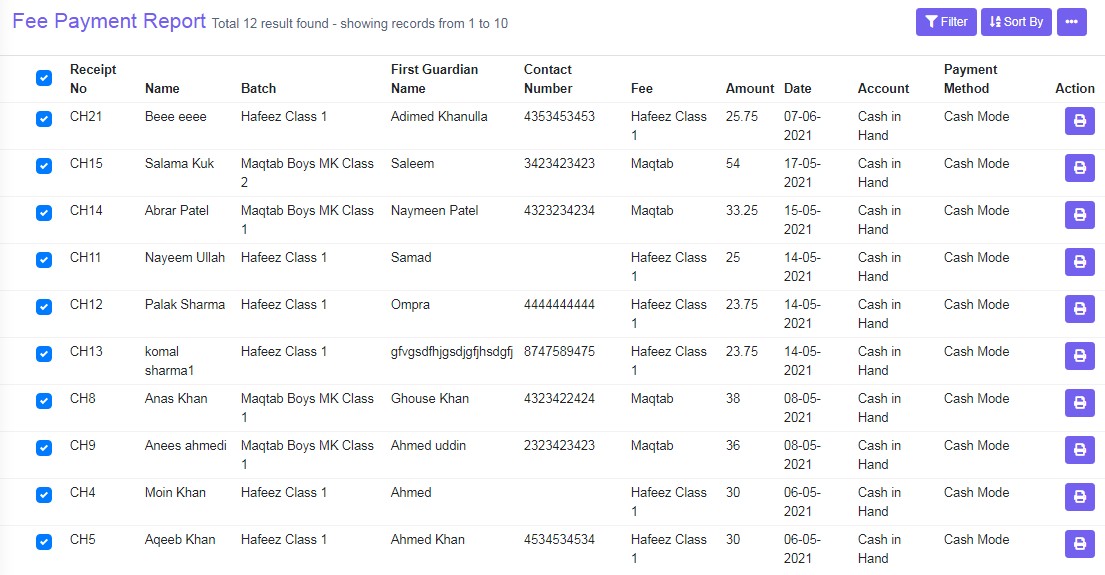
Figure 12
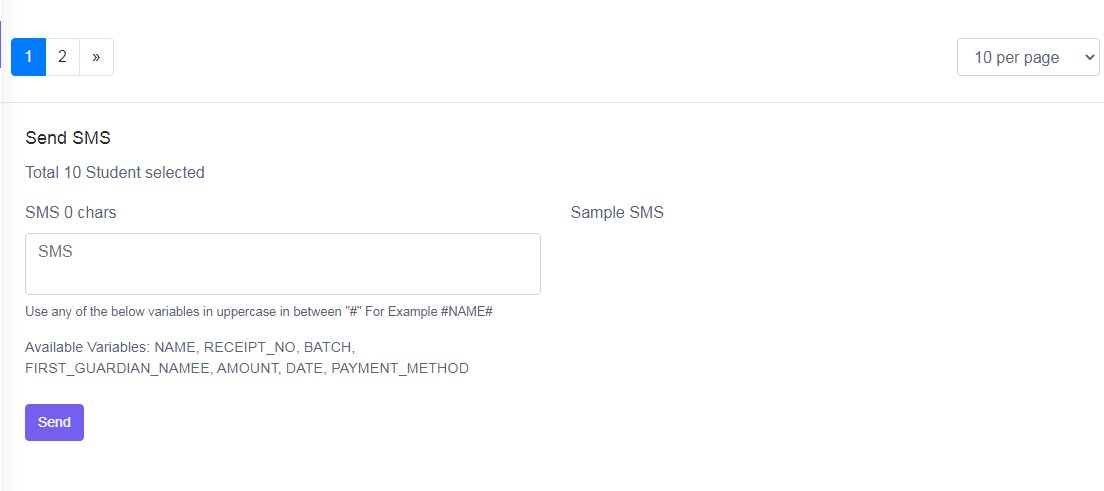
User Filter and Sort By to view the specific data. Two tasks can be done in this view.
br>
Action
Click ‘Print’ icon to, it will redirect to a new tab, where two receipts is available to print, one for institute and one for parents as record receipt.
Send SMS
Select students by clicking on the left hand side tick box and then enter the variables in the SMS box and click ‘Send’ to send SMS.