Celebrations
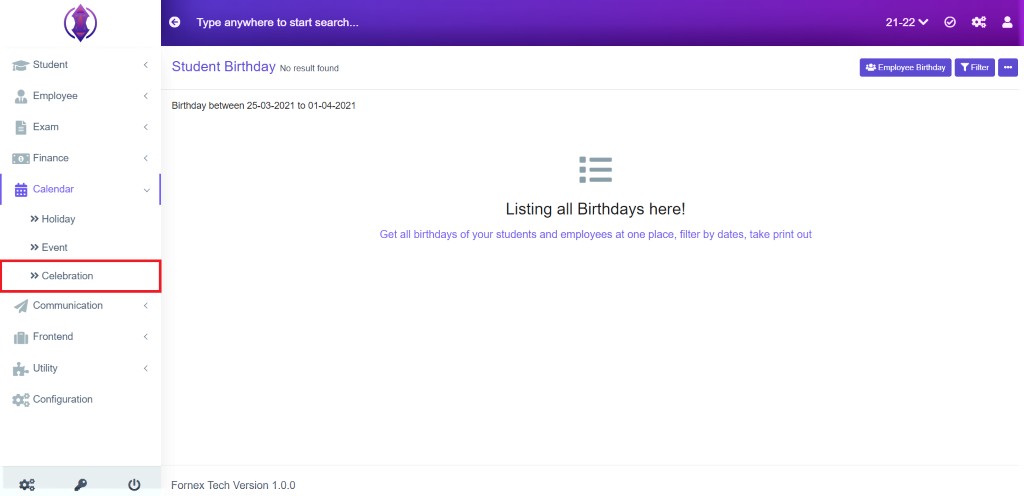
Figure 38Get all birthdays of your students and employees at one place, filter by dates, take print out.
Data Table View Description:
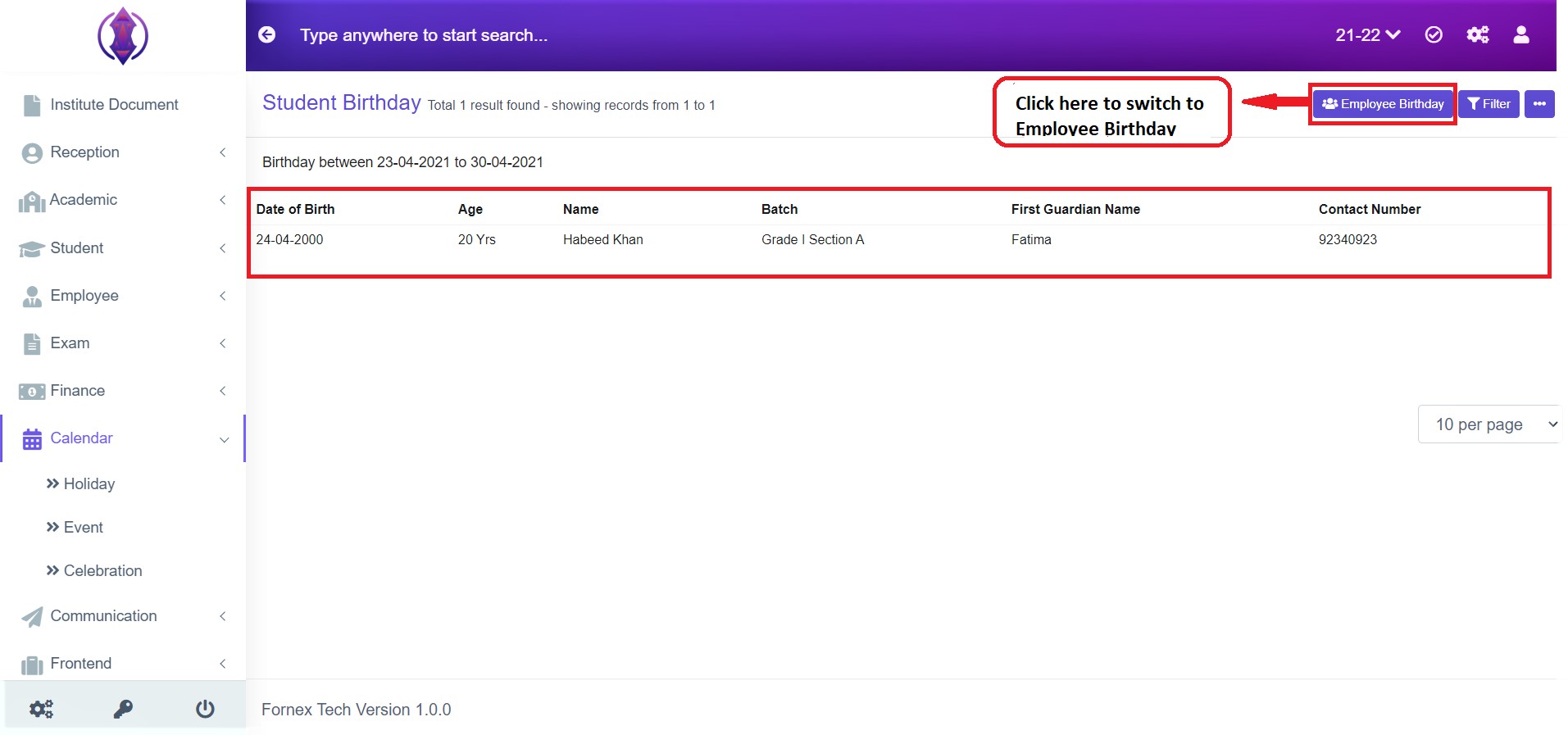
Figure 39If any student has a birthday in the present month their data will be displayed in the data table list view. Refer Figure 39.
If you want to check any employees birthday click the button on the top-right hand side, of the page title bar – “Employee Birthday”
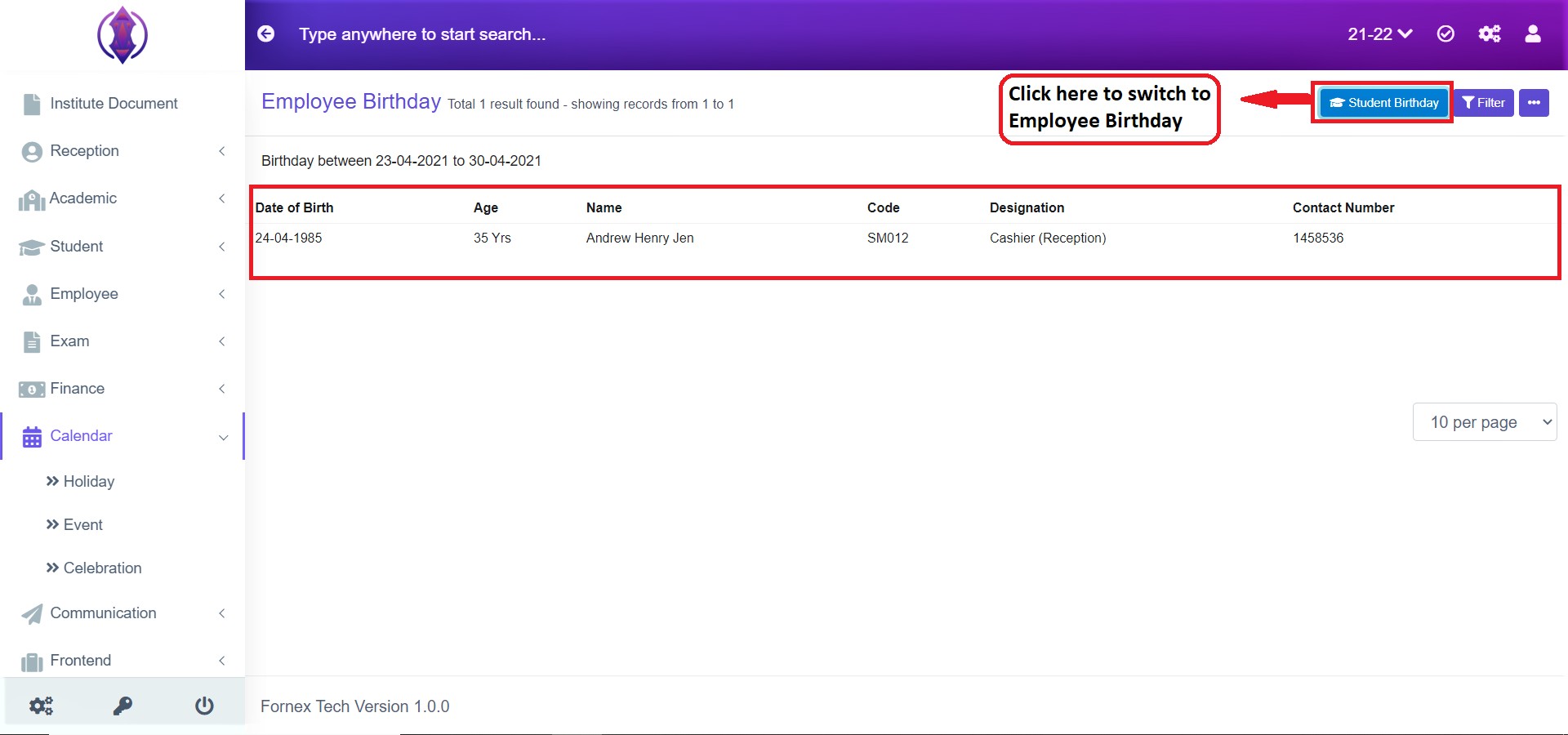
Figure 40 If any employee has a birthday in the present month their data will be displayed in the data table list view.
If you want to check any students birthday click the button on the top-right hand side of the page title bar – “Students Birthday”. Refer Figure 39.