Filter & More Options Description
Filter Fields Description
More Options Description
- — Print Option
- — Generate PDF
- — Anniversary
- — Work Anniversary
Filter Fields Description:
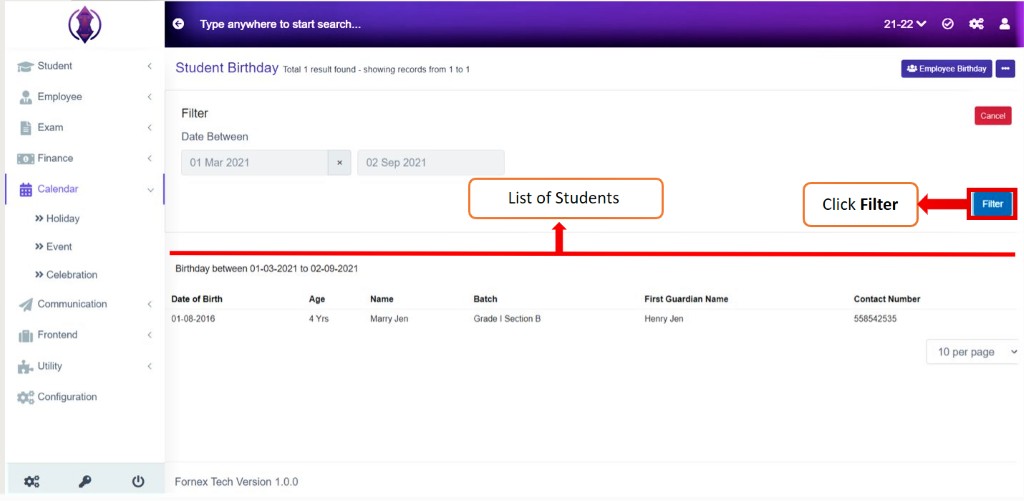
Filterthe birthdays list by – Selecting Start Date and End Date from the Calendar of the months you want the birthdays of. Once the List is filtered, the list of students' birthdays filtered is displayed down in the list.
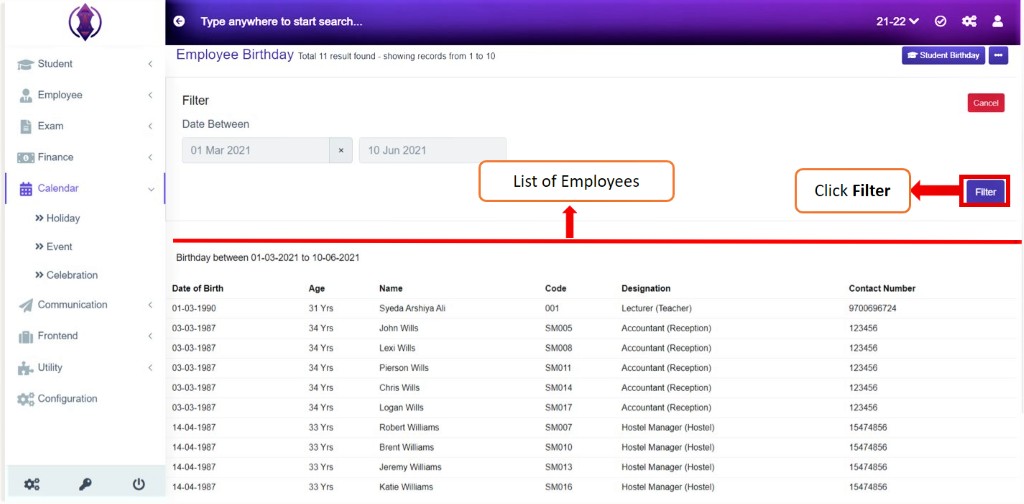
Figure 41Filter the birthdays list by – Selecting Start Date and End Date from the Calendar of the months you want the birthdays of. Once the List is filtered, the list of students filtered is displayed down in the list.
More options Description
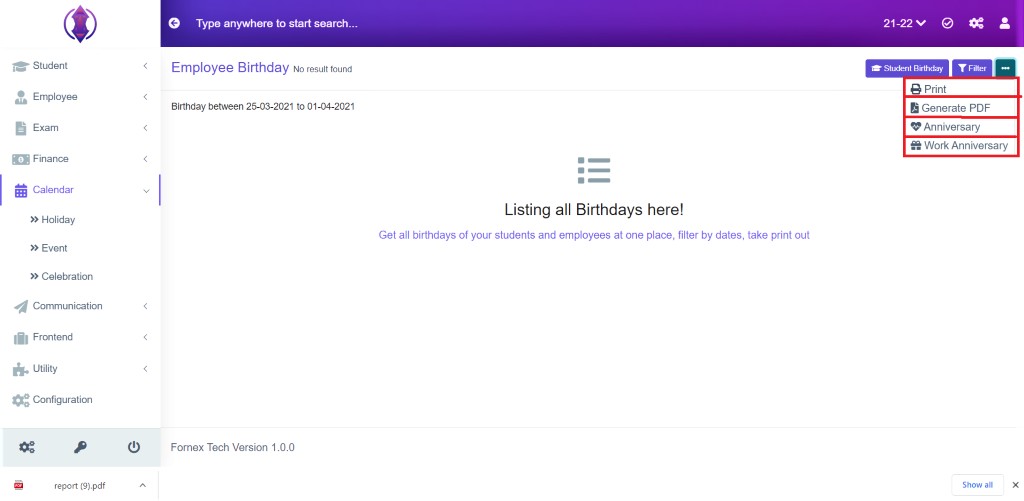
Figure 42Print Option:

Figure 43This will Open a new tab and the table view data format, to Print, see figure:43.
Generate PDF:
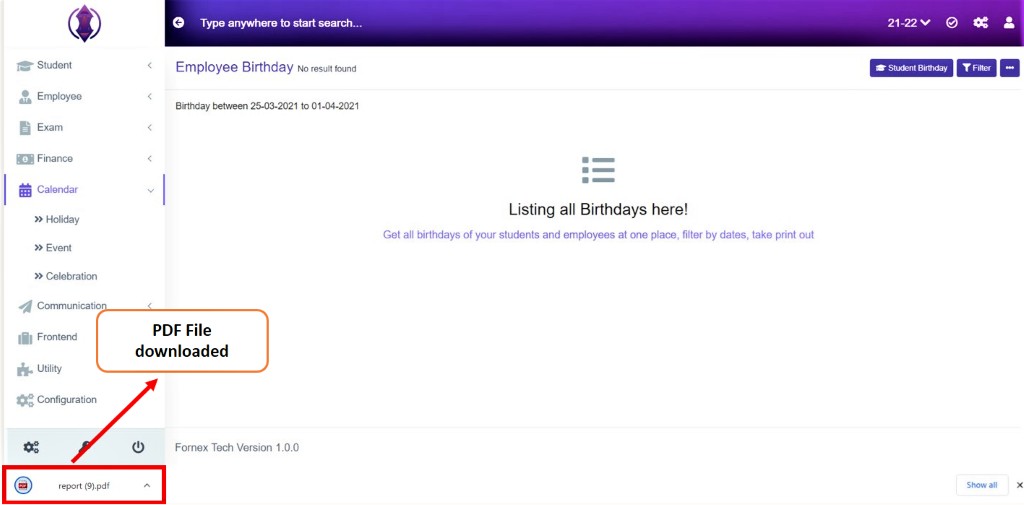
Figure 44This will download a pdf file on your desktop.
Anniversary:
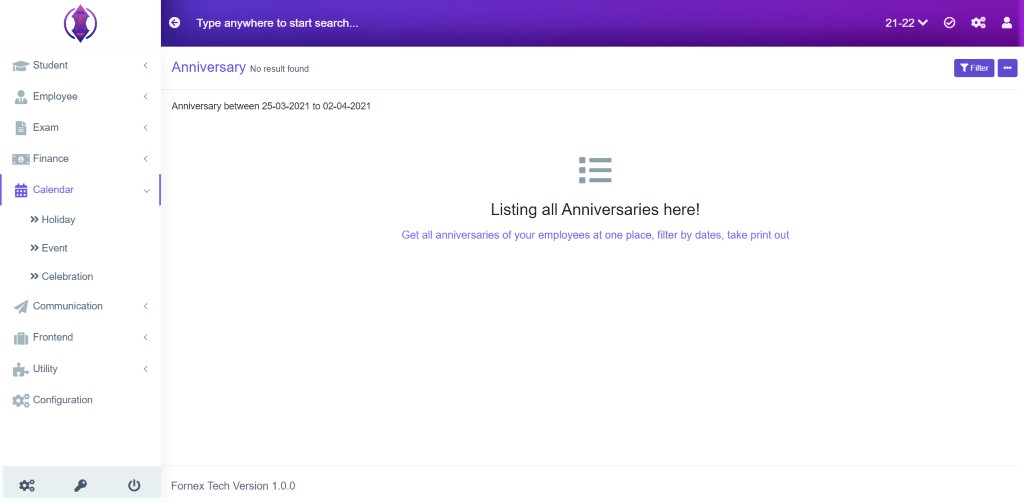
Figure 45Get all anniversaries of your employees at one place, filter by dates, take print out.
Work Anniversary:
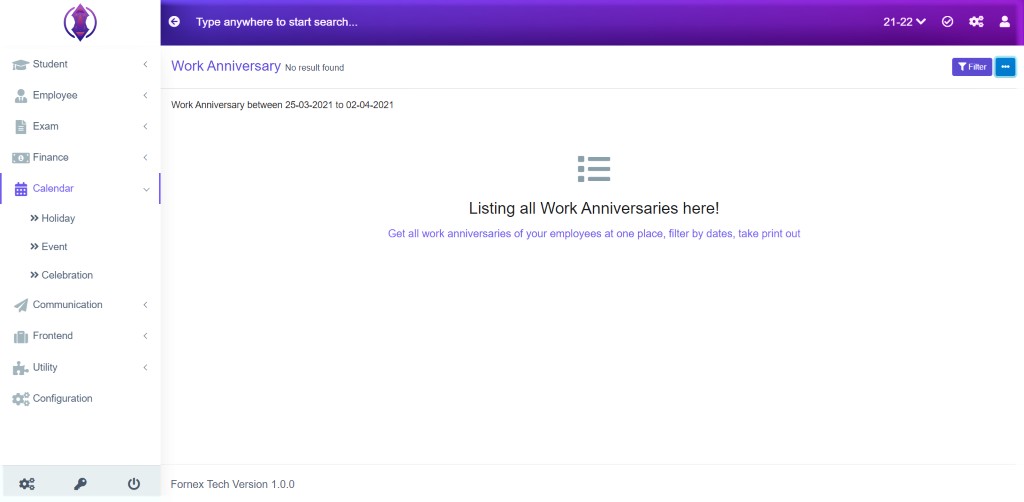
Figure 46Get all work anniversaries of your employees at one place, filter by dates, take print out.