Filter & Sort By Fields Description
Filter Fields Description:
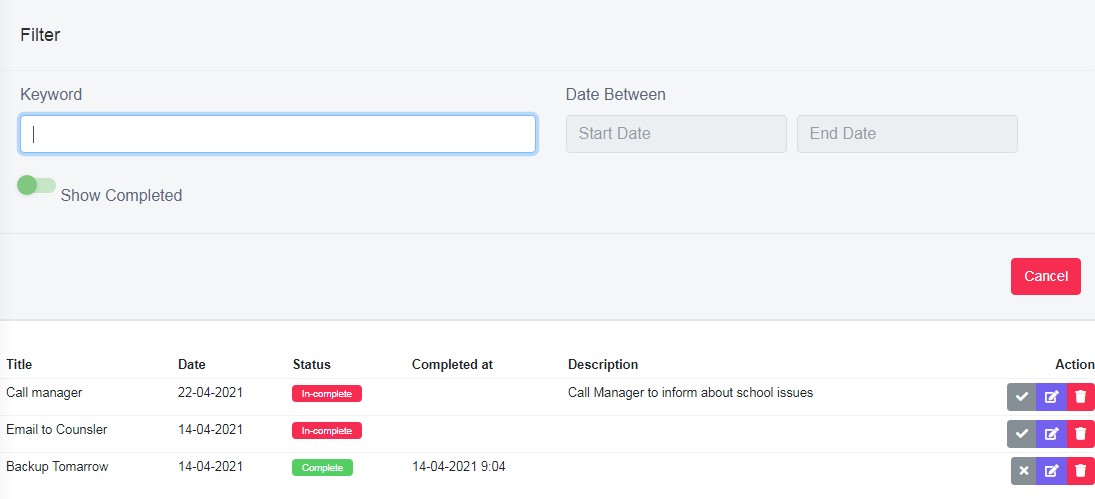
Figure 5Keyword:
Enter keyword to search any word of title or description, to be filtered and view.
Date Between:
Select the date range from calendar view to filter between those range.
Show Completed:
Enable it to show only completed status list of all dates or select dates and enable this option to view only the completed status.
Sort By Lists Description
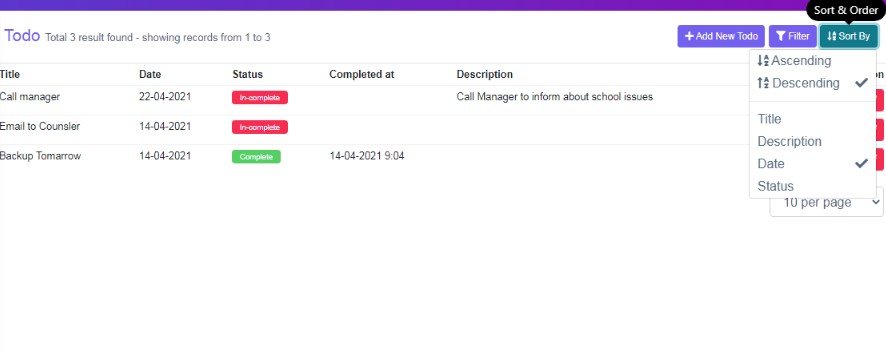
Figure 6User Sort by option to view, the displayed data table, according to your requirements.