Mail Configuration Tab
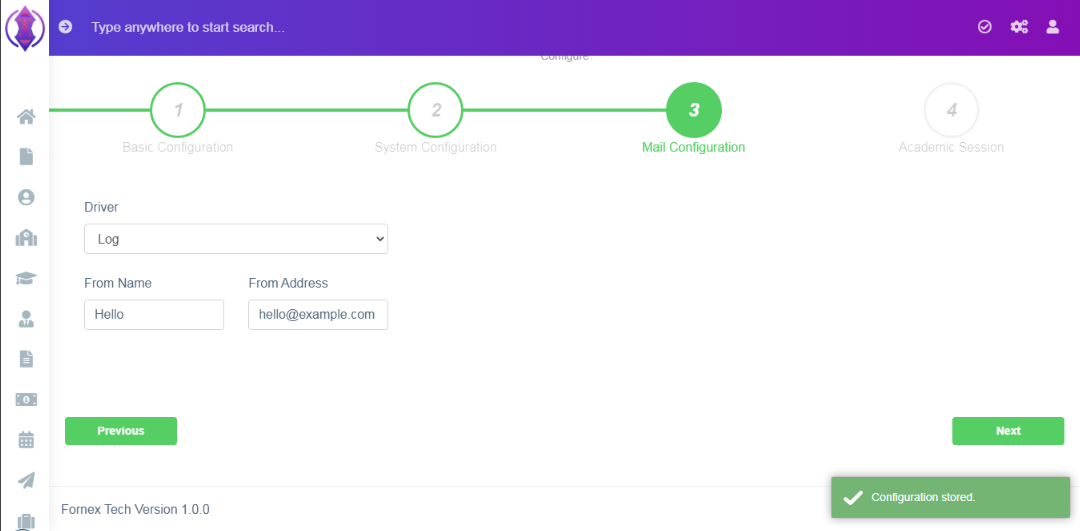
Figure 7
Mail Tab: Select Driver from the below options,
In this tab, enter the email setting details, which is to be used in the school management system, to send emails to students, parents and employees.
Driver: Select Driver from the below options,
Log:Enter data in respective fields.
Mail: Enter data in respective fields.
Sendmail: Enter data in respective fields.
Mailgun: Enter Data in respective fields.
Mandrill: Enter Data in respective fields.
SMTP: Enter Data in respective fields.
Once the required data is entered in the Mail tab, click ‘Next’, a green pop up screen will be displayed at bottom right hand side of the screen as “Configuration stored”.
Example:
.png)
Figure 8