Easy Setup Wizard
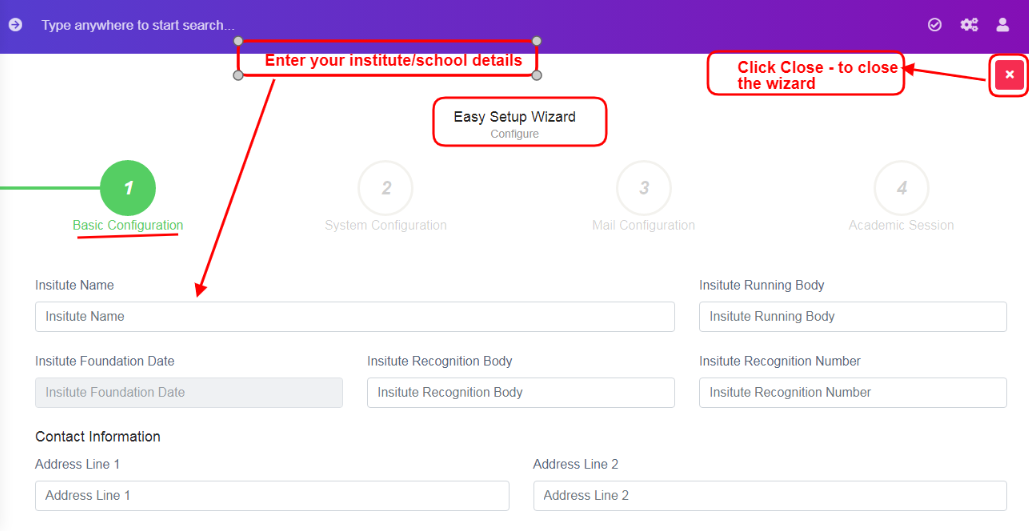
Figure 1After installation and setup of institute/school domain, first time logged users, will be displayed with a setup wizard screen, refer figure:1, it is an easy setup wizard to configure your institute/school details.
Note: If you want to skip and close the wizard, you could, but you can’t access the wizard again. The same configuration settings will be in tabs form. For more details, to skip and accessing in tabs form, refer Points to be noted 1.
Easy setup wizard consists of 4 tabs.
1. Basic Configuration
2. System Configuration
3. Mail Configuration
4. Academic Session